User Guide
Feedback
The Feedback page lets you send a message directly to the Webhook Guard team. Use it to report bugs, suggest new features, or share general impressions.

Submitting Feedback
- Click Feedback in the top navigation (or use the Quick Action on the Dashboard).
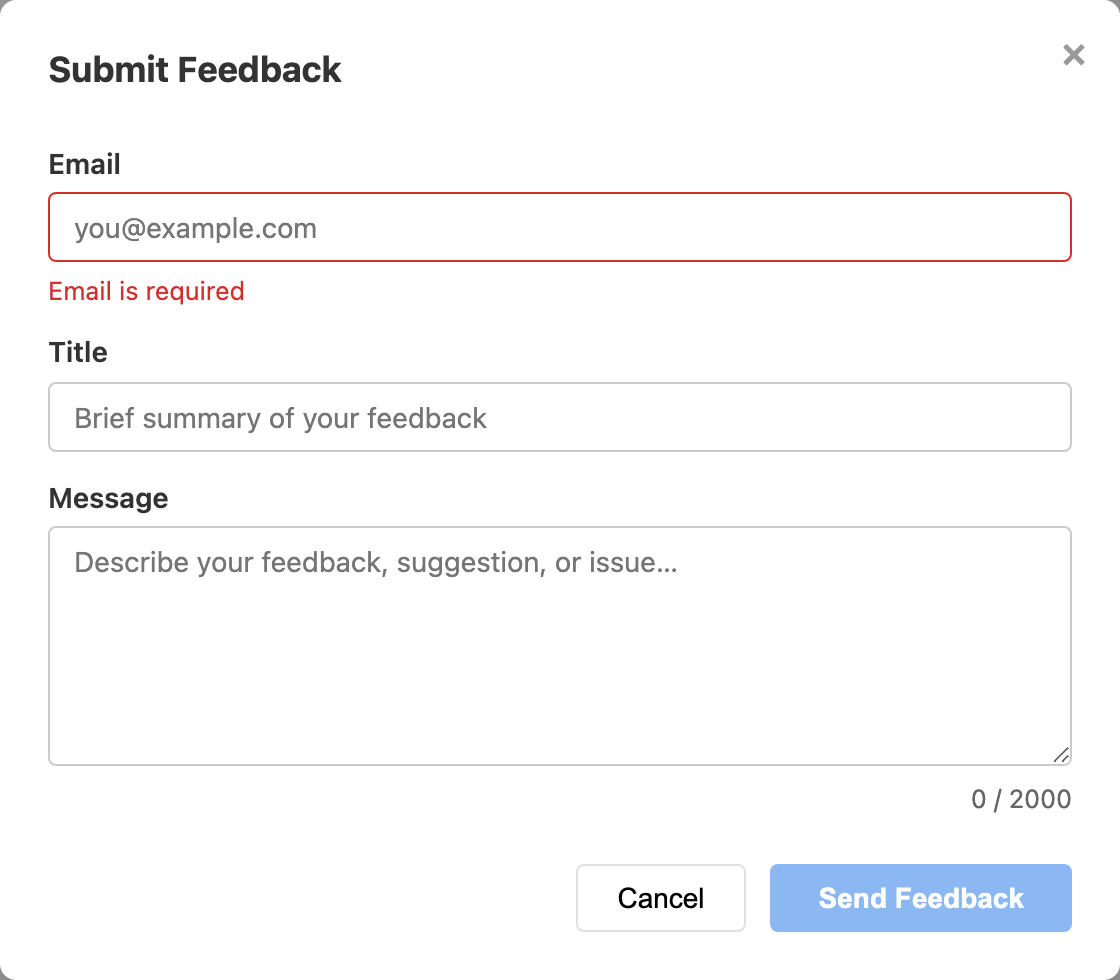
- Click Submit Feedback to open the form.
- Enter your email address (used so the team can follow up).
- Enter a short title summarizing your feedback.
- Write your message in the text area.
- Click Submit.
Include as much detail as possible — the steps you took, what you
expected to happen, and what actually happened. Event IDs are always helpful for
delivery or retry issues.