User Guide
Usage & Billing
Review your webhook event usage for the current billing period and access your invoice history from the Billing menu.
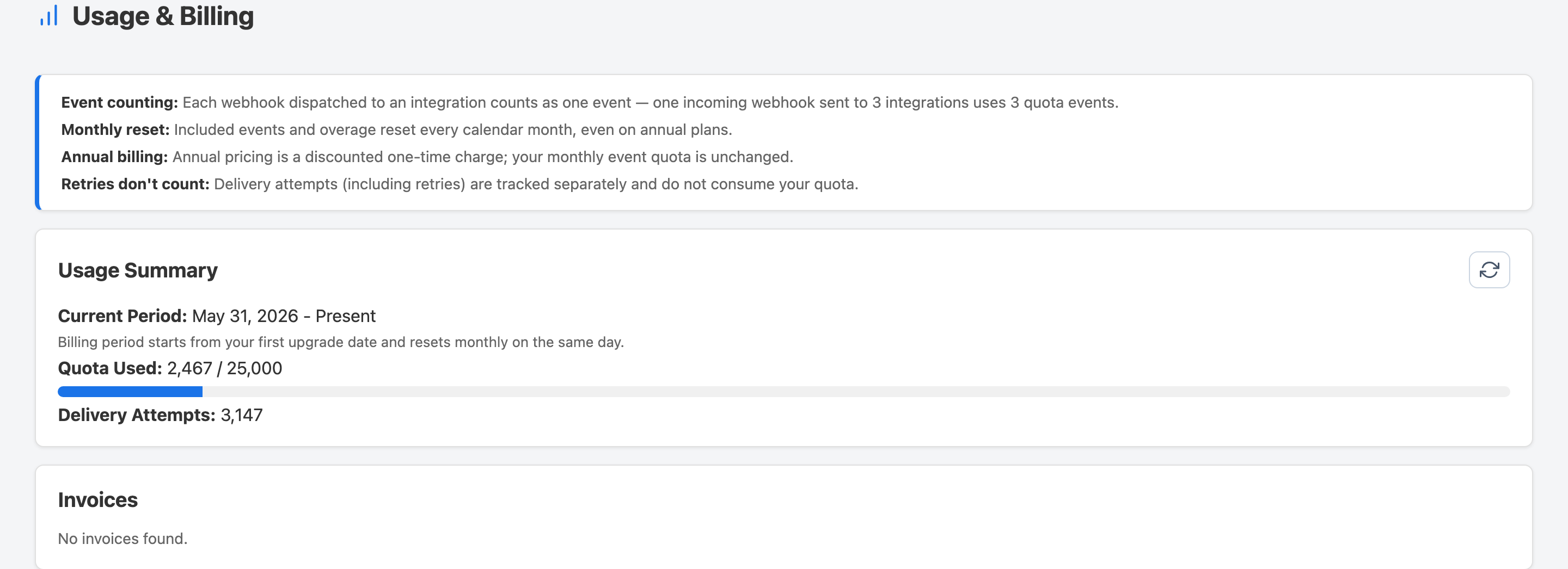
Accessing Usage & Billing
- Click Billing in the top navigation.
- Open the Usage & Billing tab.
Reading Your Usage
The usage summary shows how many webhook events have been processed in the current billing period compared to your plan's monthly limit. Use this to gauge whether your current plan fits your volume.
Invoice History
Past invoices are listed below your usage summary. Each entry shows the billing period, amount charged, and a link to download the invoice PDF.
Still have questions?
Visit the FAQ page inside the app for answers to common questions, or reach out through the Feedback page — we read every message.